Steve, between visits. In your pocket.
Front Porch is the private app every client of Middle Market Strategies gets: a two-minute weekly check-in, a place to share files, a direct line to Steve and an easy way to set up meetings.
Four things, nothing extra.
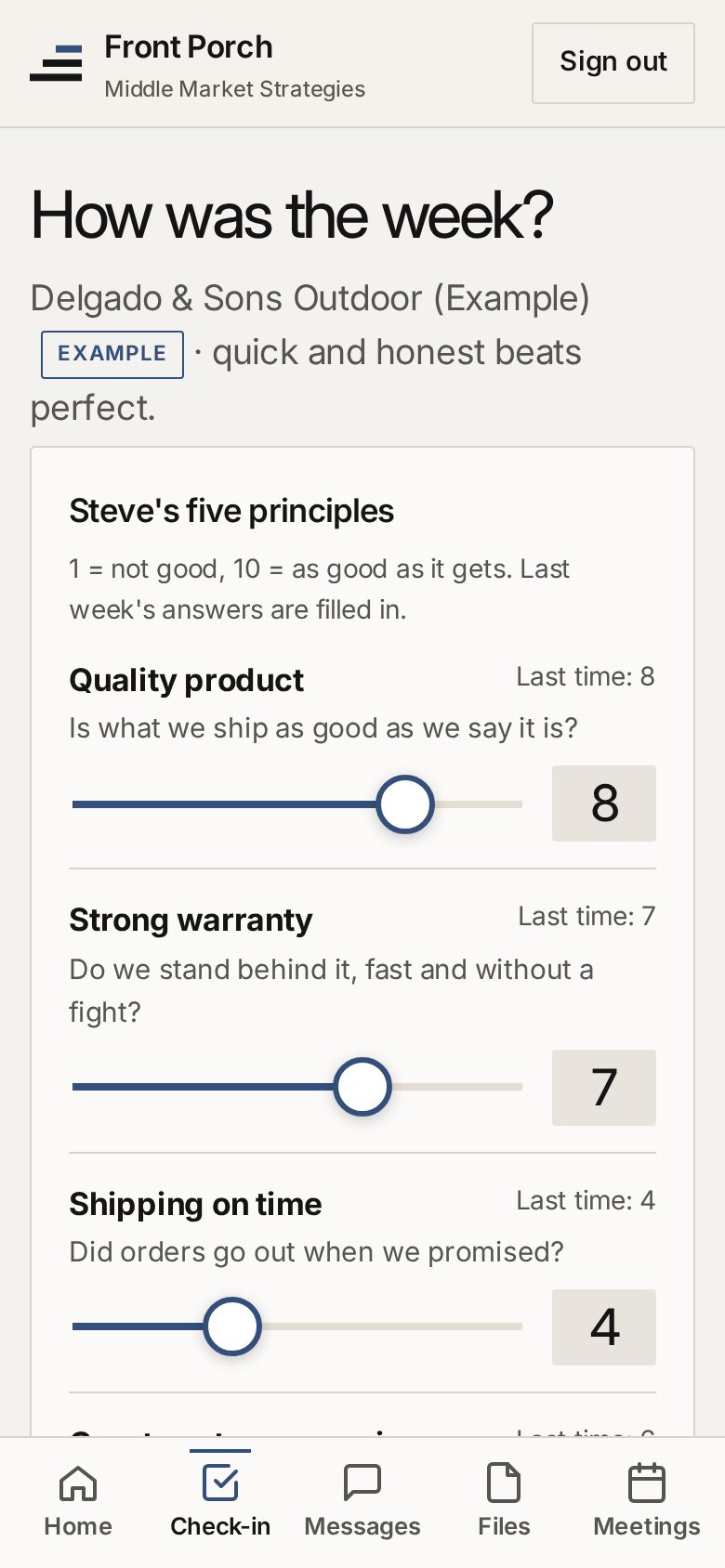
A 2-minute weekly check-in
Rate Steve's five principles and three extras from 1 to 10, set your top 3 goals and tell him where you need help. Last week's answers are filled in.
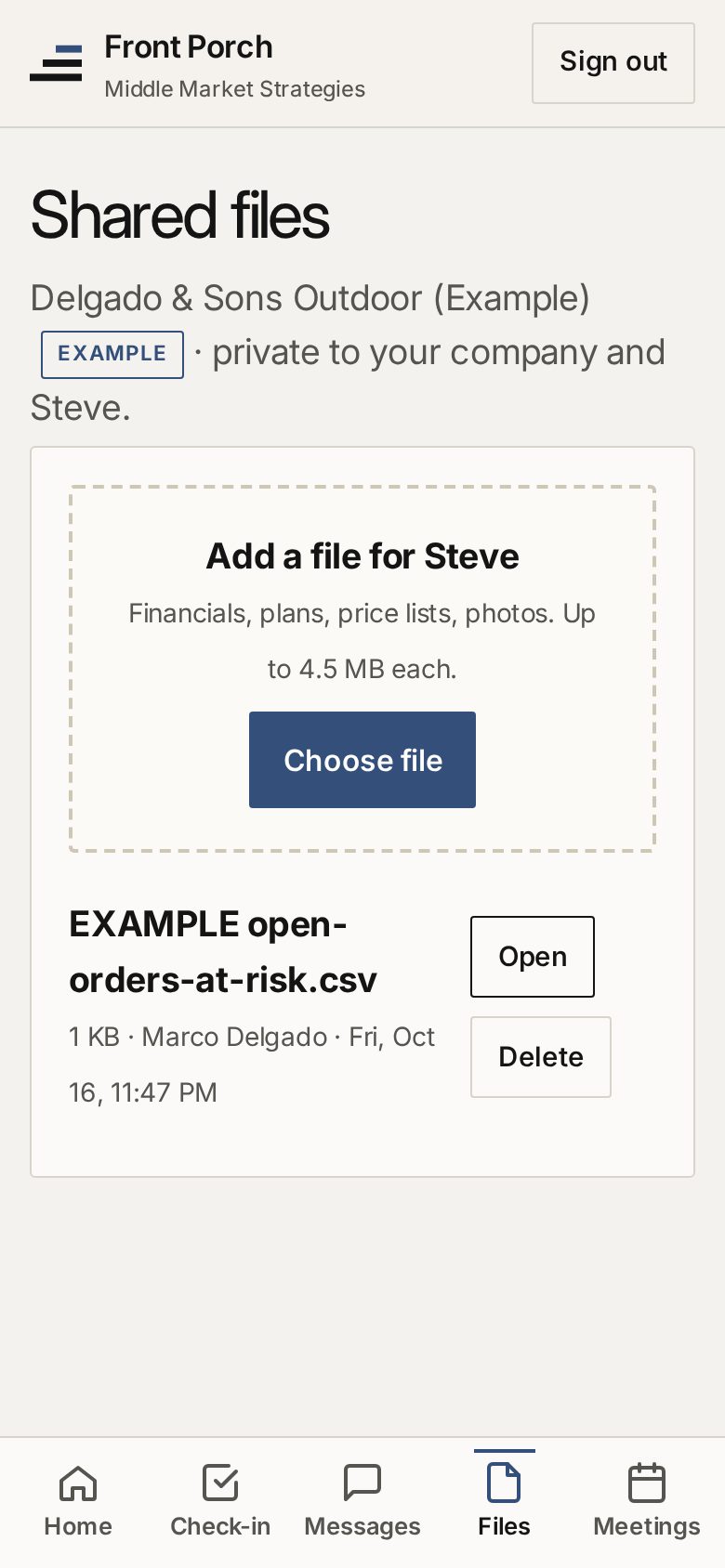
Private file sharing
Upload financials, plans or anything Steve should see. Files are visible only to your company and Steve.
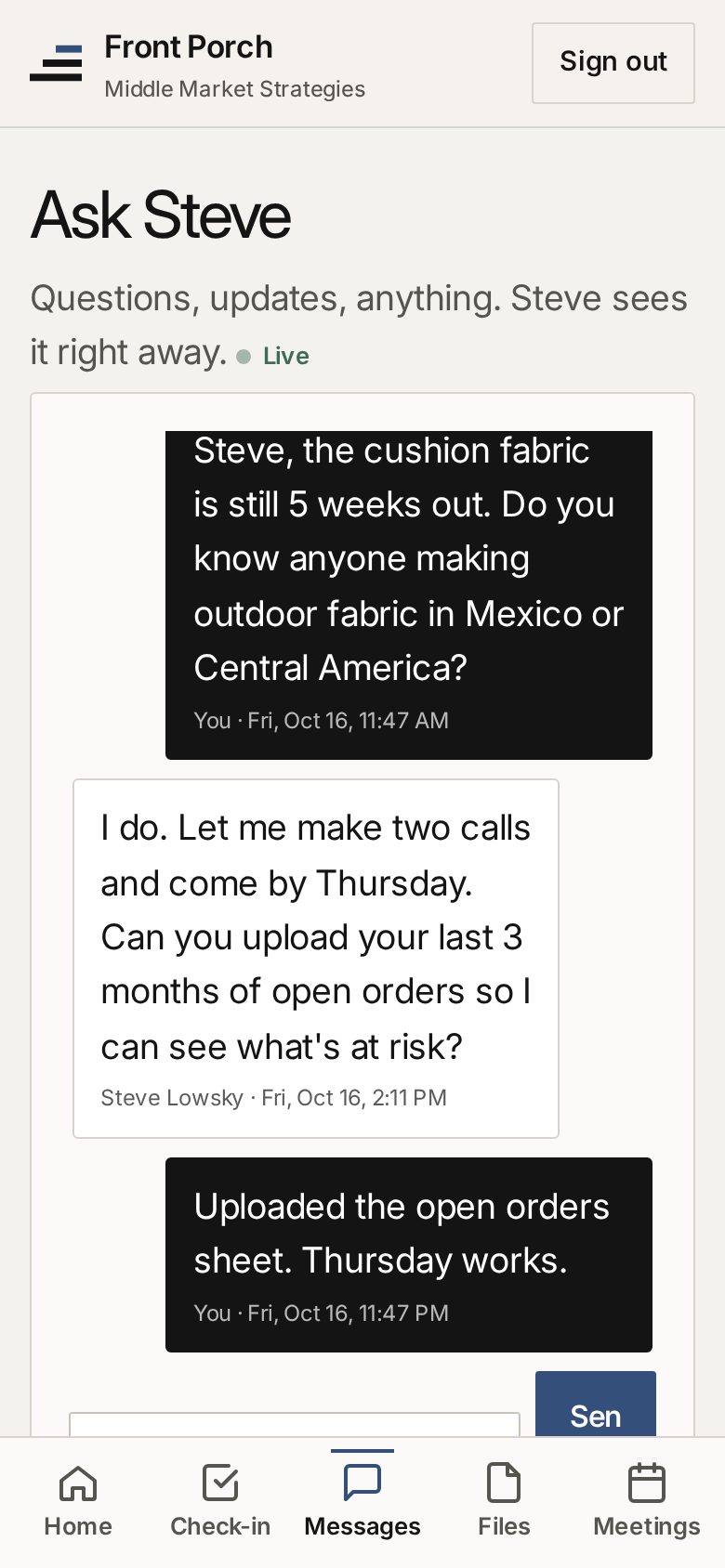
Ask Steve anything
One conversation per company. Replies show up as they arrive, on your phone or computer.
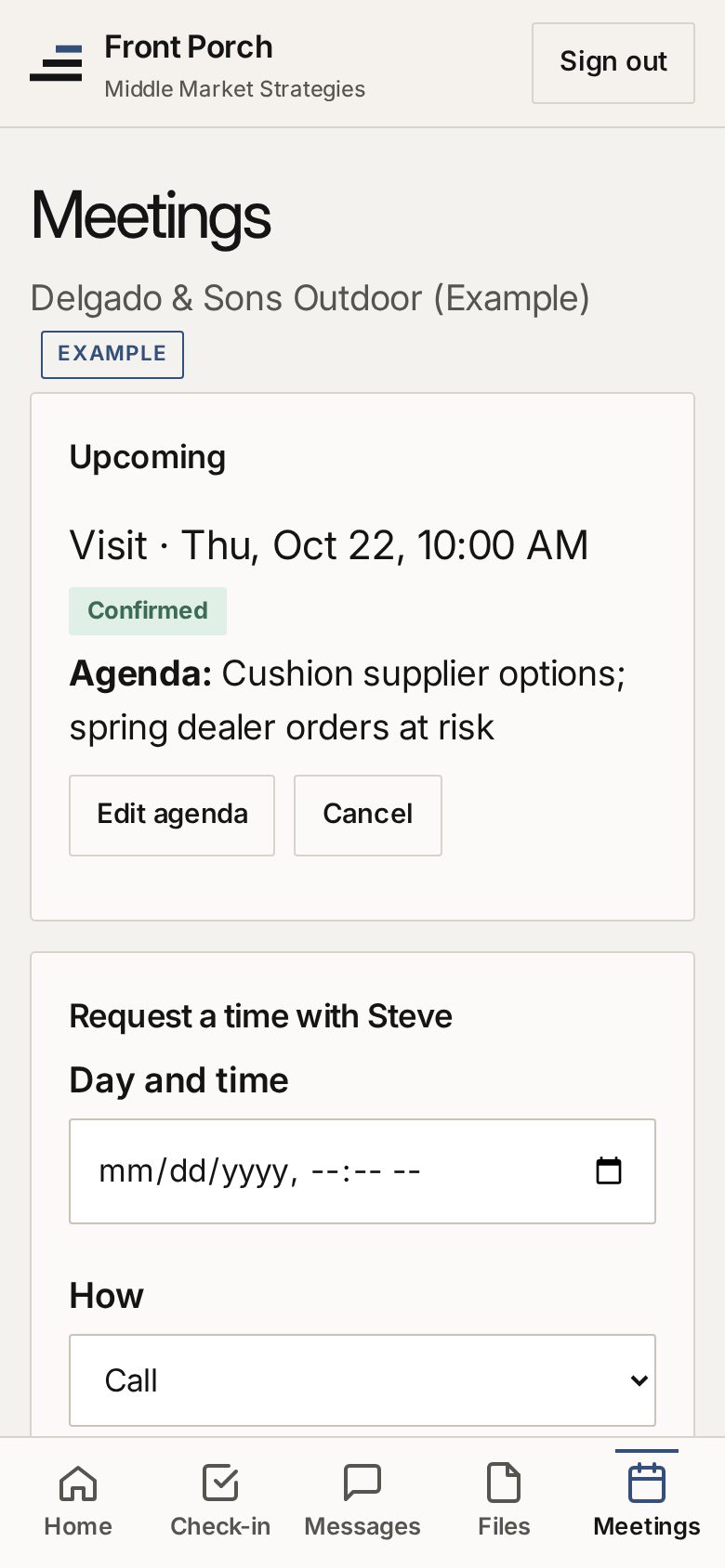
Book meetings
Request a call or a visit with an agenda. See what's coming up, and Steve's notes afterward.
Real screens from the app, showing an example demo company.
You check in. Steve shows up.
Steve sees every client on one board, sorted by who needs him this week.
- 1
You check in
Two minutes, once a week, from your phone.
- 2
Steve sees who needs him
Scores dropping, goals slipping, a question waiting or a meeting request puts your company on top of his board.
- 3
He calls or comes by
With a one-page summary of where you stand.
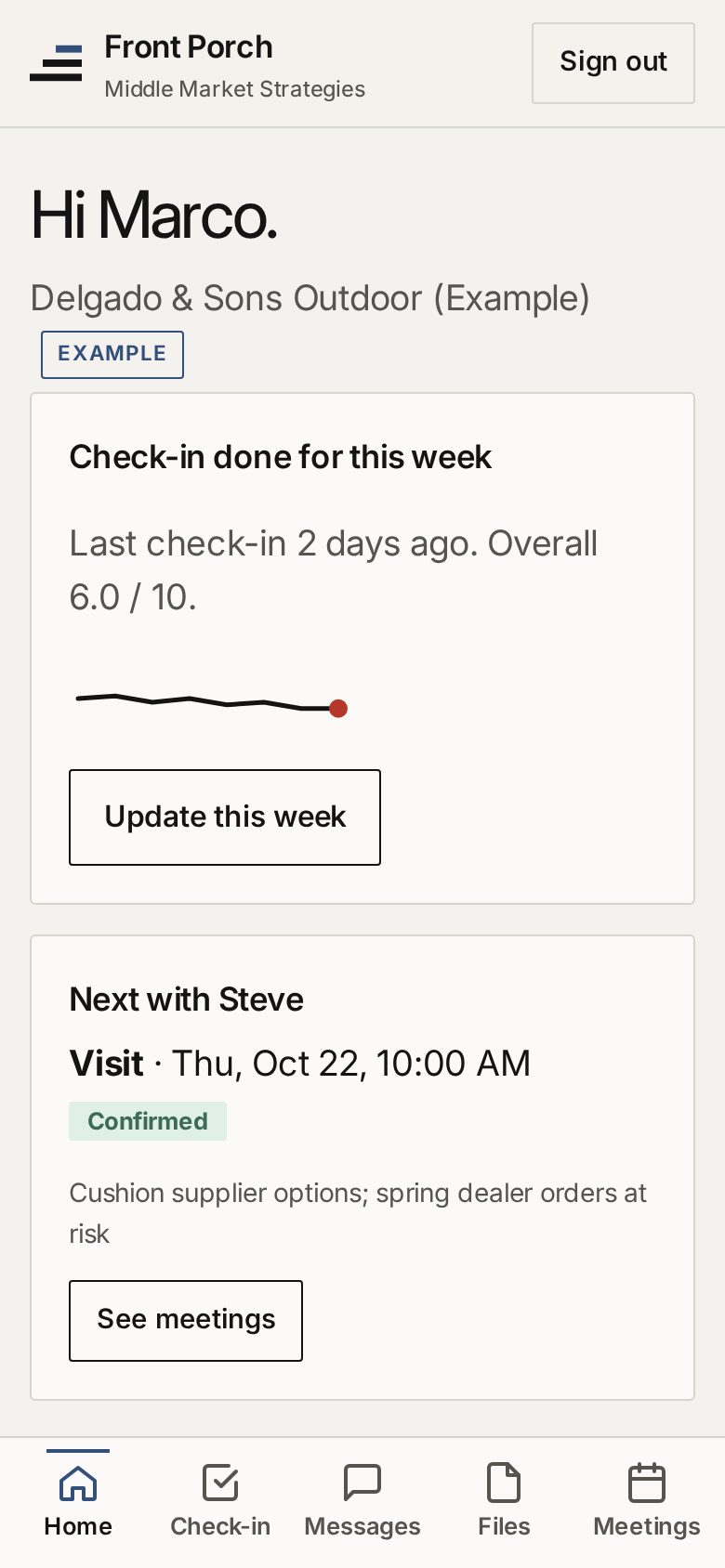
- 1Weekly check-in status, overall score and trend line
- 2"Update this week" opens the 2-minute check-in
- 3Next with Steve: the upcoming visit, confirmed
- 4Tabs for Check-in, Messages, Files and Meetings
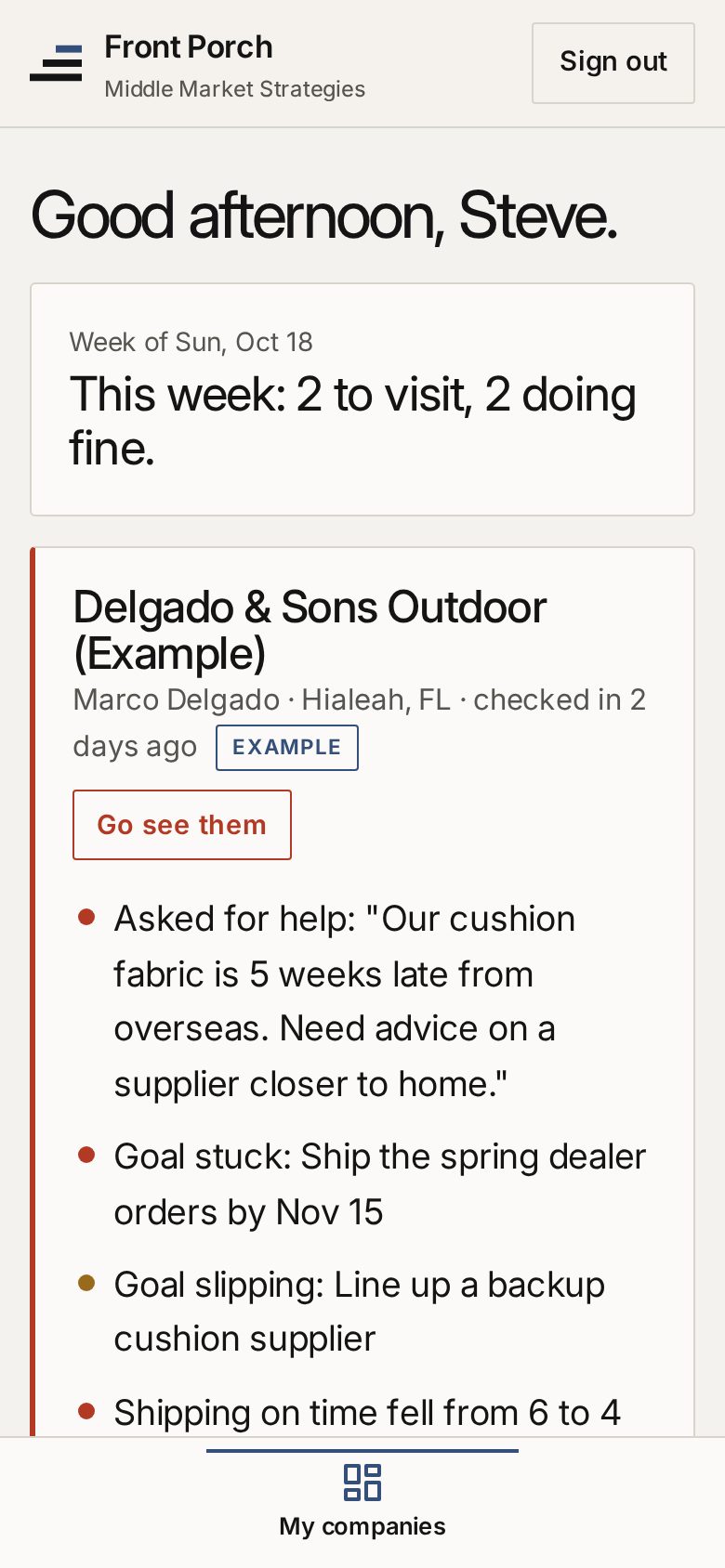
- 5Weekly summary: who to visit, who's doing fine
- 6A company flagged "Go see them"
- 7Asks for help, straight from the check-in
- 8Goals stuck or slipping
- 9Score drops: shipping on time fell from 6 to 4
Real screens from the app, showing example demo companies.
Your company's information stays between you and Steve.
- Each client account sees only its own company: check-ins, files, messages and meetings
- Files can only be opened by your company's signed-in users and Steve
- Passwords are stored as one-way hashes, and the app runs over HTTPS
On your home screen in under a minute.
iPhone or iPad
- Open the app in Safari
- Tap Share (the square with an arrow)
- Choose Add to Home Screen
Android
- Open the app in Chrome
- Tap Install, or the ⋮ menu
- Choose Install app
Computer
- Open the app in Chrome or Edge
- Click the install icon at the right end of the address bar
Not a client yet? Talk with Steve first.